






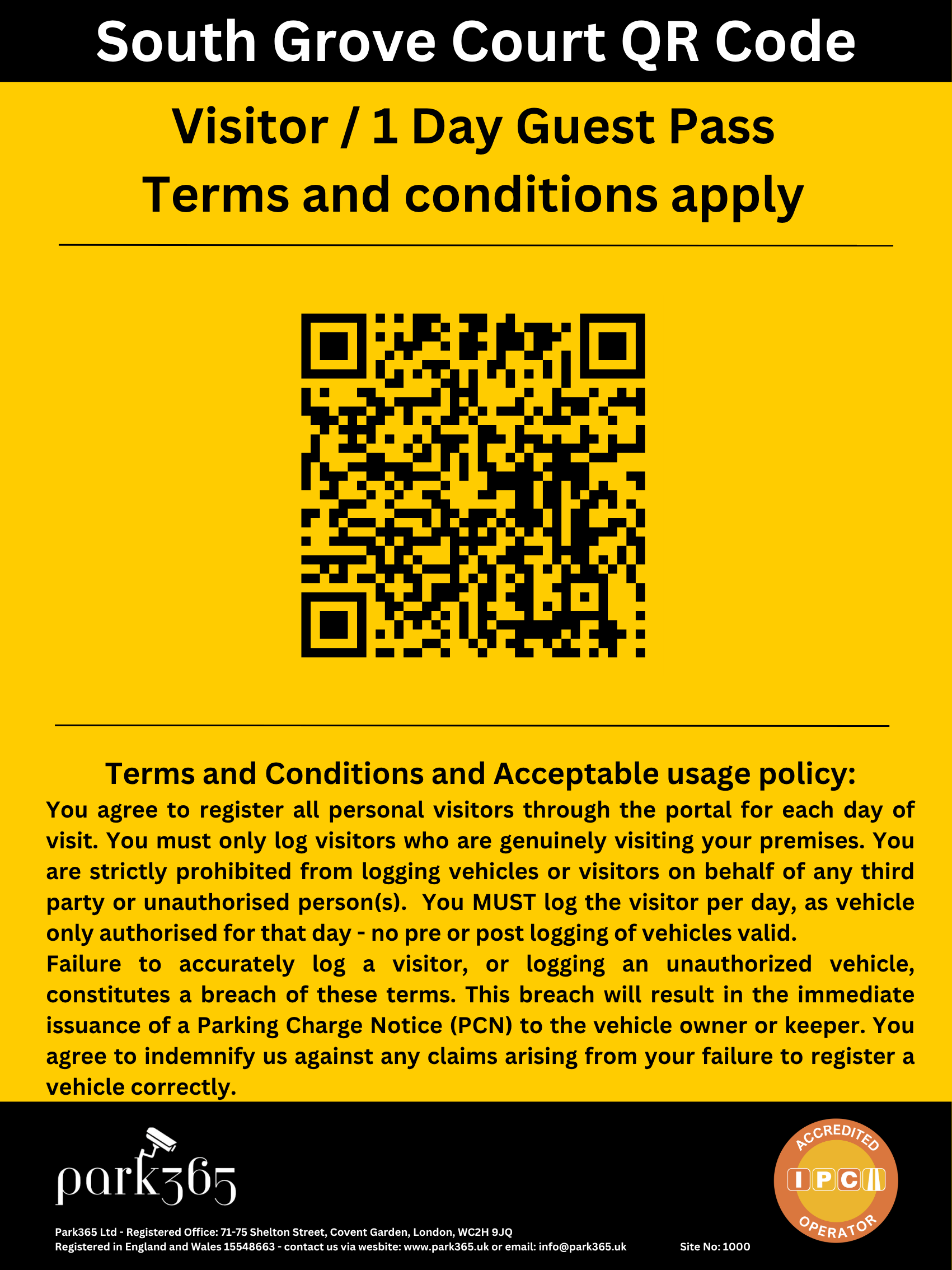

Here you can add guest or permanent vehicle registrations to your account, review site setup, Visitor QR Code (if applicable), check FAQ’s and contact customer support
Got a question? Need to add a vehicle to a whitelist? Need to add a vehicle to guest pass? Need to cancel a PCN? Change to site setup? Contact us, here to help!
+447364119418
customerservice@park365.uk
Easiest and fastest way is to use the ‘Vehicle Management’ tab and add in the vehicle yourself. However if you prefer you can also send a WhatsApp message or an email to the Customer Service team and we will add it immediately. The vehicle registration will then be whitelisted permanently from that day onwards and you don’t have to do anything further.
Easiest and fastest way is to use the ‘Vehicle Management’ tab and add in the vehicle yourself. However if you prefer you can also send a WhatsApp message or an email to the Customer Service team and we will add it immediately. The vehicle registration will then be excluded for that day and wont receive a PCN. If you need to cover for several days just let us know which days and we will update the system for those days.
Its very simple, dont worry. Just send the customer service team a WhatsApp or Email with the vehicle registration and just let us know why you need to cancel it. We will immediately cancel it and inform the vehicle keeper / driver it has been cancelled and they do not need to do anything more. We need to know the reason why as we report all cancellations back to the IPC (Trade Association) to make sure there are no issues with the site and helps us improve the service to reduce cancellations.
Excellent, making full use of your site, especially at times it is empty is a great idea and we can help you with that. Just drop us a note to the customer service team with what you would like to do or if unsure best way to do it or how it works, just let us know and will get the sales team to explain how it works and how it can be setup for your site. Its simple and free to add on or take off if needed.
Registered Office:
Park365 Ltd, 71-75 Shelton Street, Covent Garden, London, WC2H 9JQ
Company Number: 15548663




Useful Links